App Store screenshotsin minutes, not days.
Type six feature headlines, pick a niche, hit create. AppKraft generates a polished, export-ready screenshot set for the App Store, Play Console, and every device size in between. Native macOS — no browser bloat, no monthly fee.
macOS 14+ · Apple silicon native · ~12 MB
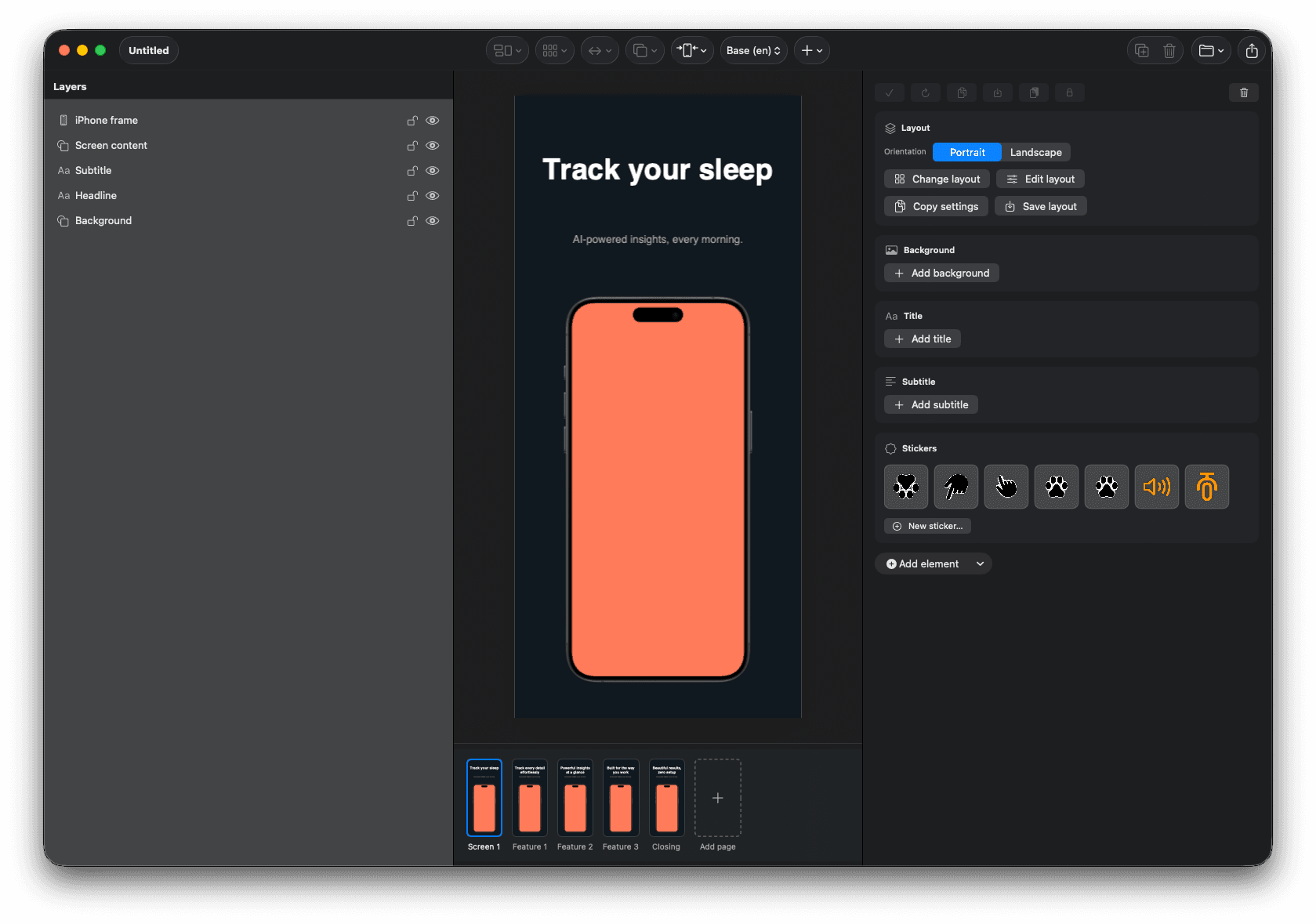
Six niches, dozens of palettes
Pick a vibe. We pick the colors.
A health app shouldn't look like a banking app. AppKraft ships hand-tuned gradient palettes per niche, so your screenshots feel native to your category from the first page.
Health & Wellness
Calm mints for fitness, meditation, sleep.
Finance & Productivity
Deep, trustworthy blues for pro tools.
Education & Kids
Warm sun for learning and study apps.
Travel & Outdoors
Sky horizons for booking and maps.
Tech & AI
Electric edge for AI and dev tools.
Health & Wellness
Calm mints for fitness, meditation, sleep.
Finance & Productivity
Deep, trustworthy blues for pro tools.
Education & Kids
Warm sun for learning and study apps.
Travel & Outdoors
Sky horizons for booking and maps.
Tech & AI
Electric edge for AI and dev tools.
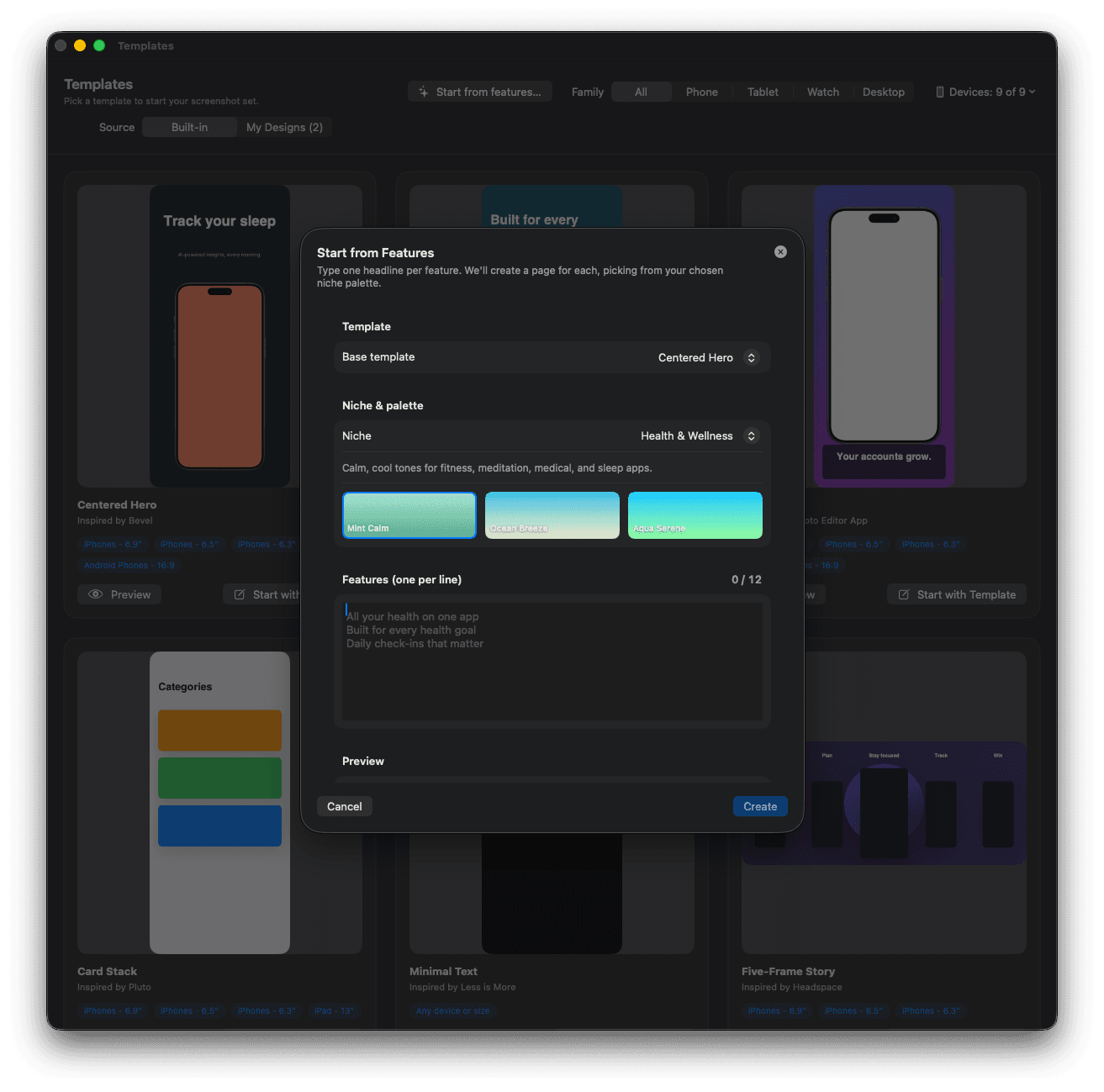
Type six features. Get six screenshots.
Start from Features takes a list of headlines and a niche, and conjures a full page set in one click. Background palettes match the niche; titles drop straight onto your template. Beats blank canvases for breakfast.
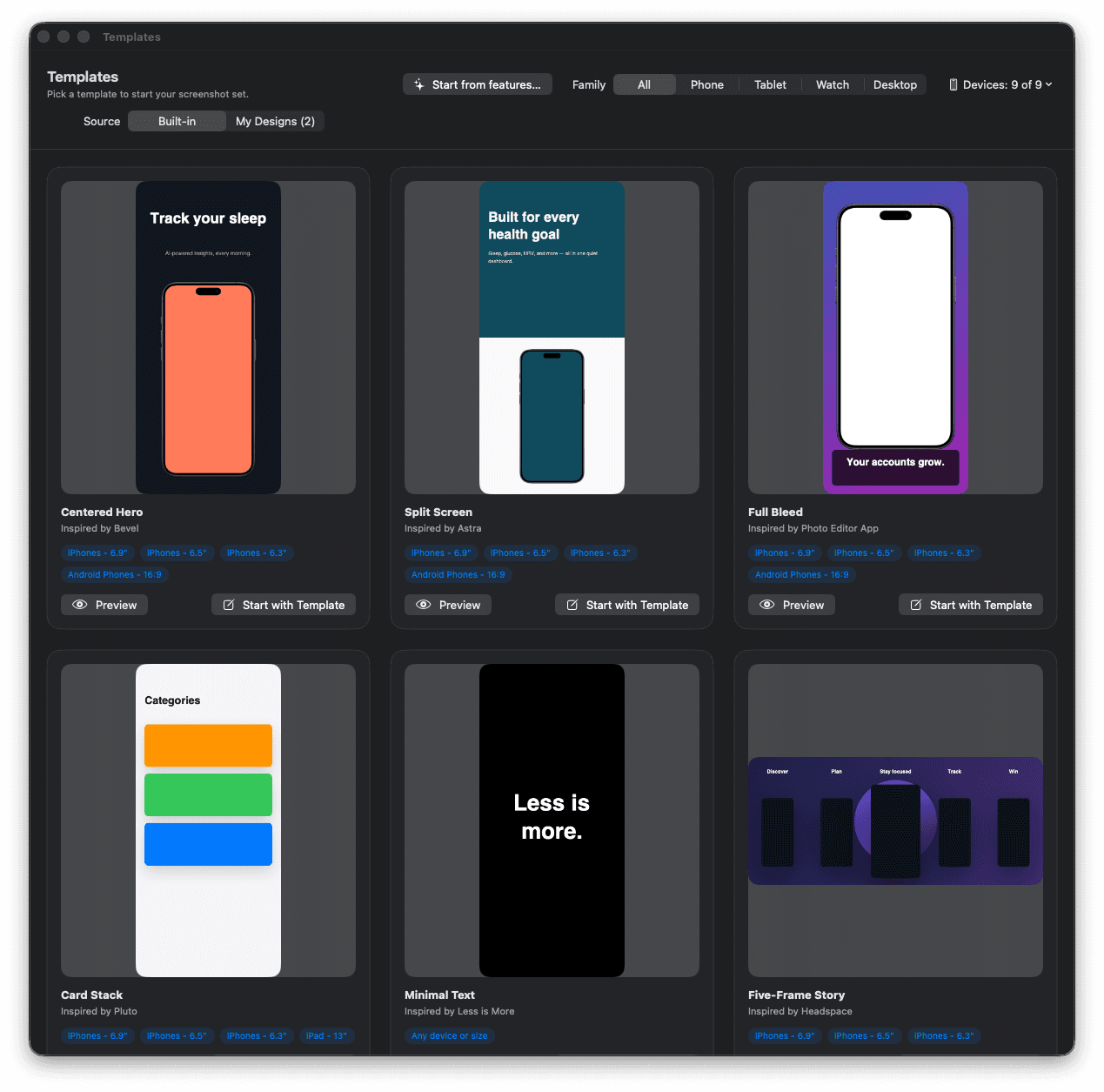
Beautiful templates, ready to remix.
Centered hero, split-screen, full-bleed, card stack, minimal text, five-frame story — every common screenshot pattern, ready to retitle and reshade. Save your own as a template for next project.
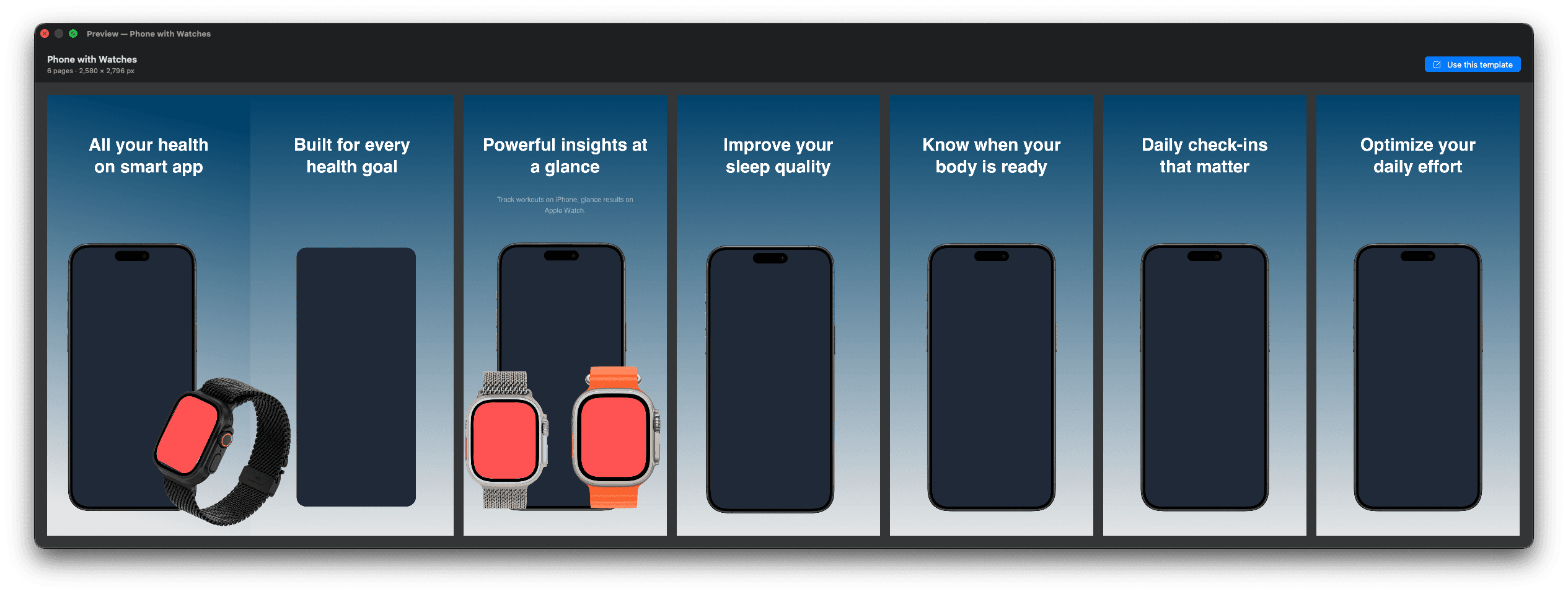
Tell a story across seven frames.
Design the whole set side-by-side in the preview strip. See how the screenshots flow together before you export, catch a weak transition, swap a headline. The App Store carousel becomes a comic strip you actually planned.
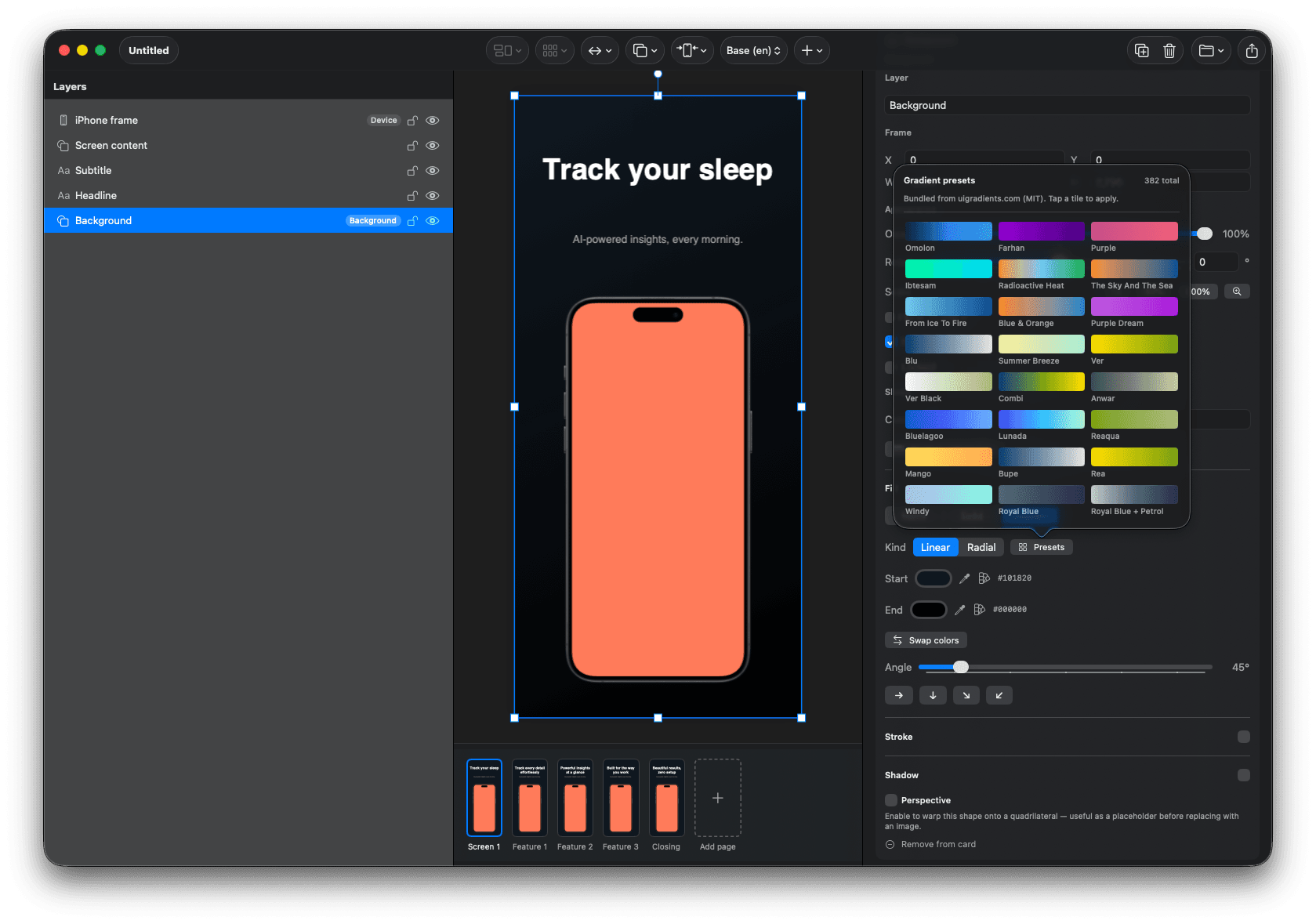
Niche-aware gradients, hand-curated.
Eighty-plus presets organized by category. Mint and teal for health, electric purple for AI, deep navy for finance. Pick a gradient, watch it ripple across every screen in one undoable action.
More in the box
Everything you'd build yourself, already built.
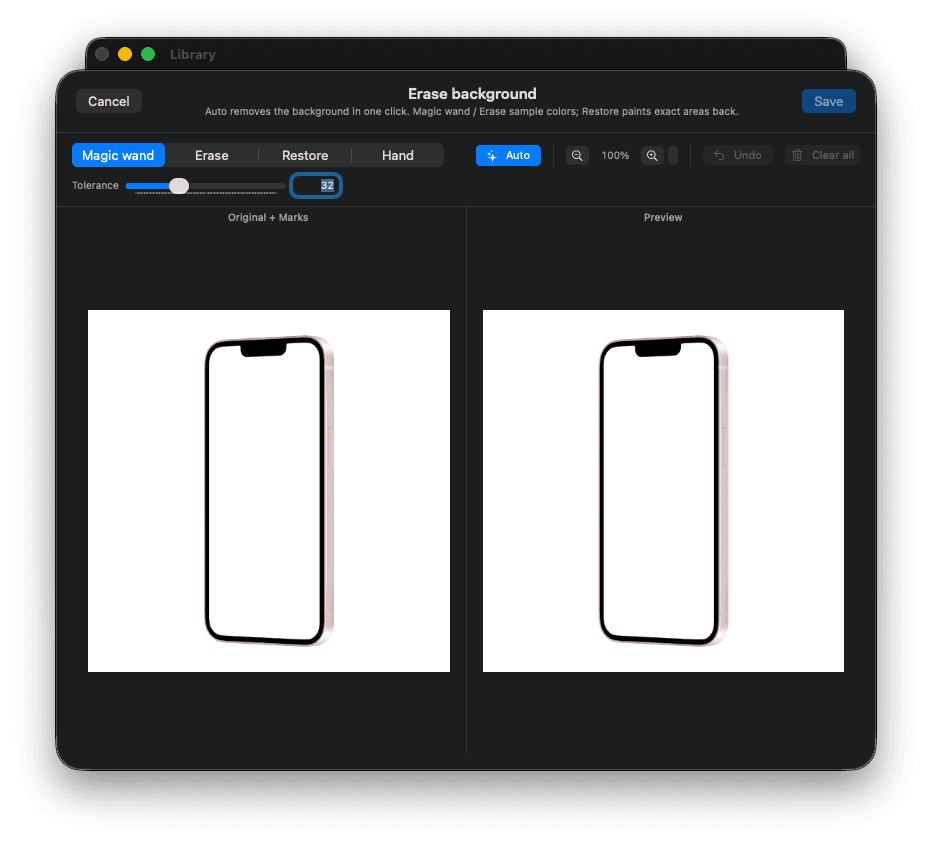
Magic-wand backgrounds
One-click background removal with a tolerance dial. Drop in any product shot and AppKraft cleans it up before it hits your canvas.
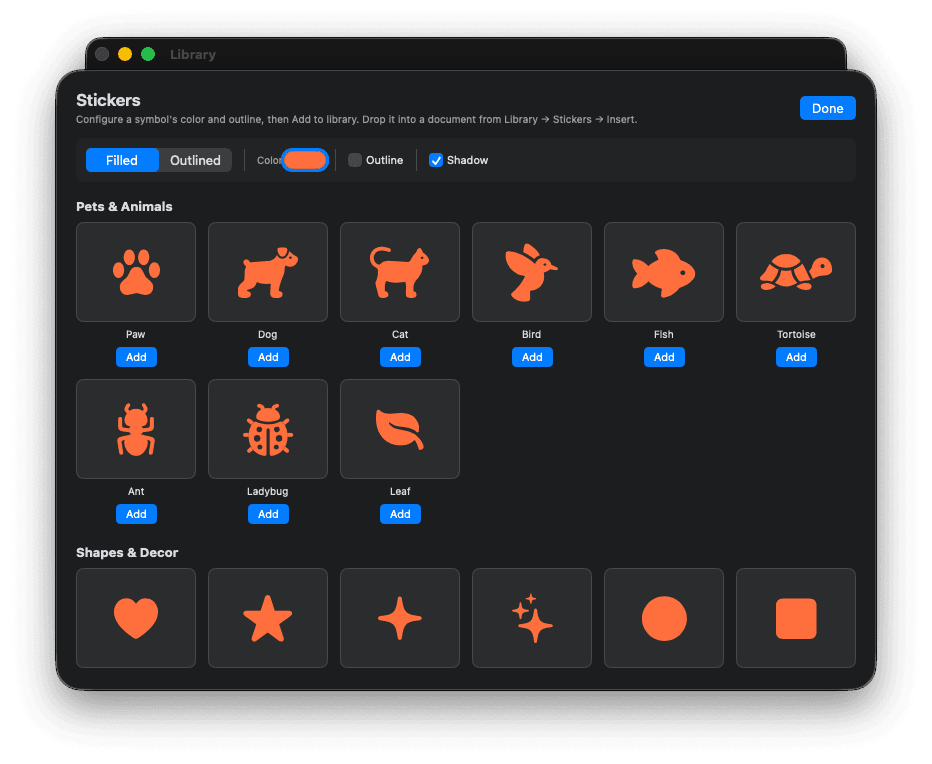
Sticker library
Hundreds of recolorable, outlineable SF Symbol-based stickers. Paws, hearts, sparkles, shapes — recolor to match your brand in one tap.
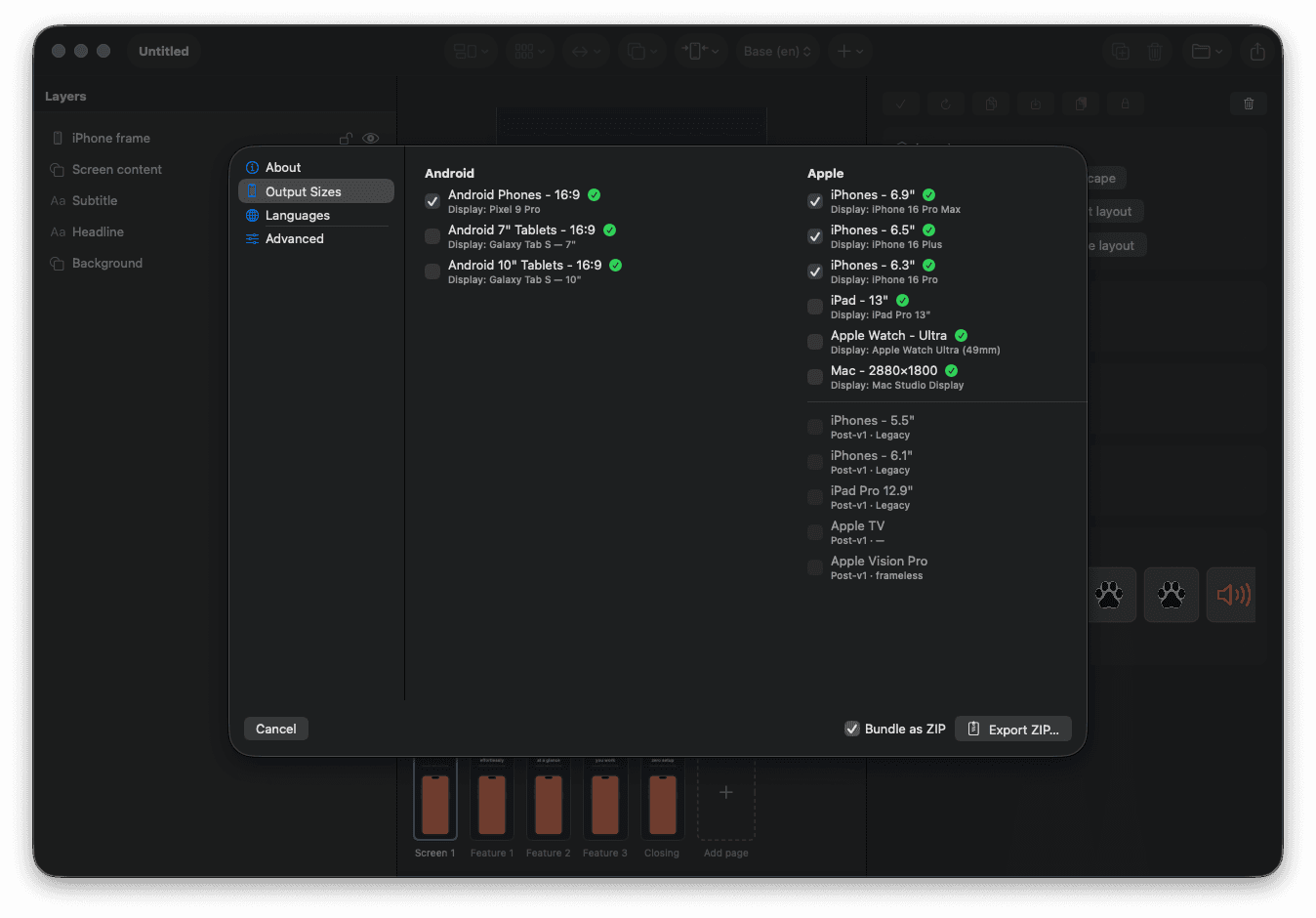
Every device, every store
Output sizes pre-tuned for iPhone 6.9″, 6.5″, 6.3″, iPad 13″, Apple Watch Ultra, Mac, Pixel 9 Pro, Galaxy Tab S — bundle them all as a single ZIP.
Stack of mockups
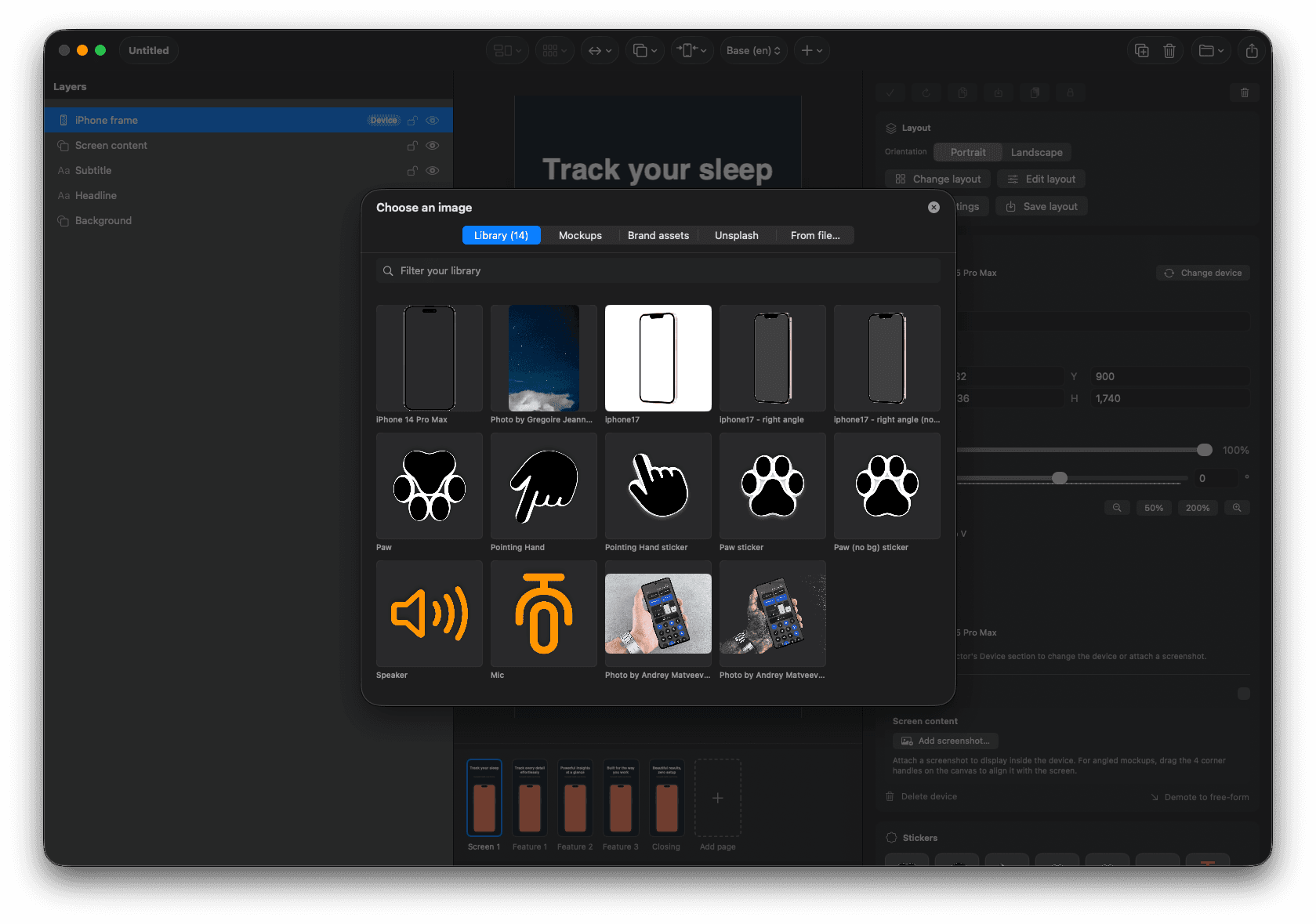
Real device frames lifted from Mockuphone and curated by hand. iPhone 16 Pro Max, Galaxy Tab S, Apple Watch Ultra — all ready to drop on the canvas.
From idea to App Store in three steps
No design experience required.
Type your features
One headline per line — six bullet points becomes six screenshots. AppKraft handles layout, color, and device frames.
Pick a niche
Health, Finance, Social, Education, Travel, Tech. Each ships three hand-tuned gradient palettes that paint your backgrounds in one click.
Export everywhere
Hit Export. AppKraft renders every selected device size and locale, bundles them as a single ZIP, and reveals it in Finder.
Stop screenshotting in Figma at 2 AM.
Lifetime updates. No subscription, no account, no tokens.
macOS 14+ · Apple silicon native · works offline